

inScada
inSCADA - SCADA/IIoT Application Development Platform
Why Choose Us?
- Wide range of products and services that meet every need
- Free consultancy service to identify the right product
- Chance to have the right product at the most affordable price
- For more detailed information about the product and your demo requests, you can contact us through the following communication channels.
- Product Description
- General Specifications
- Downloads
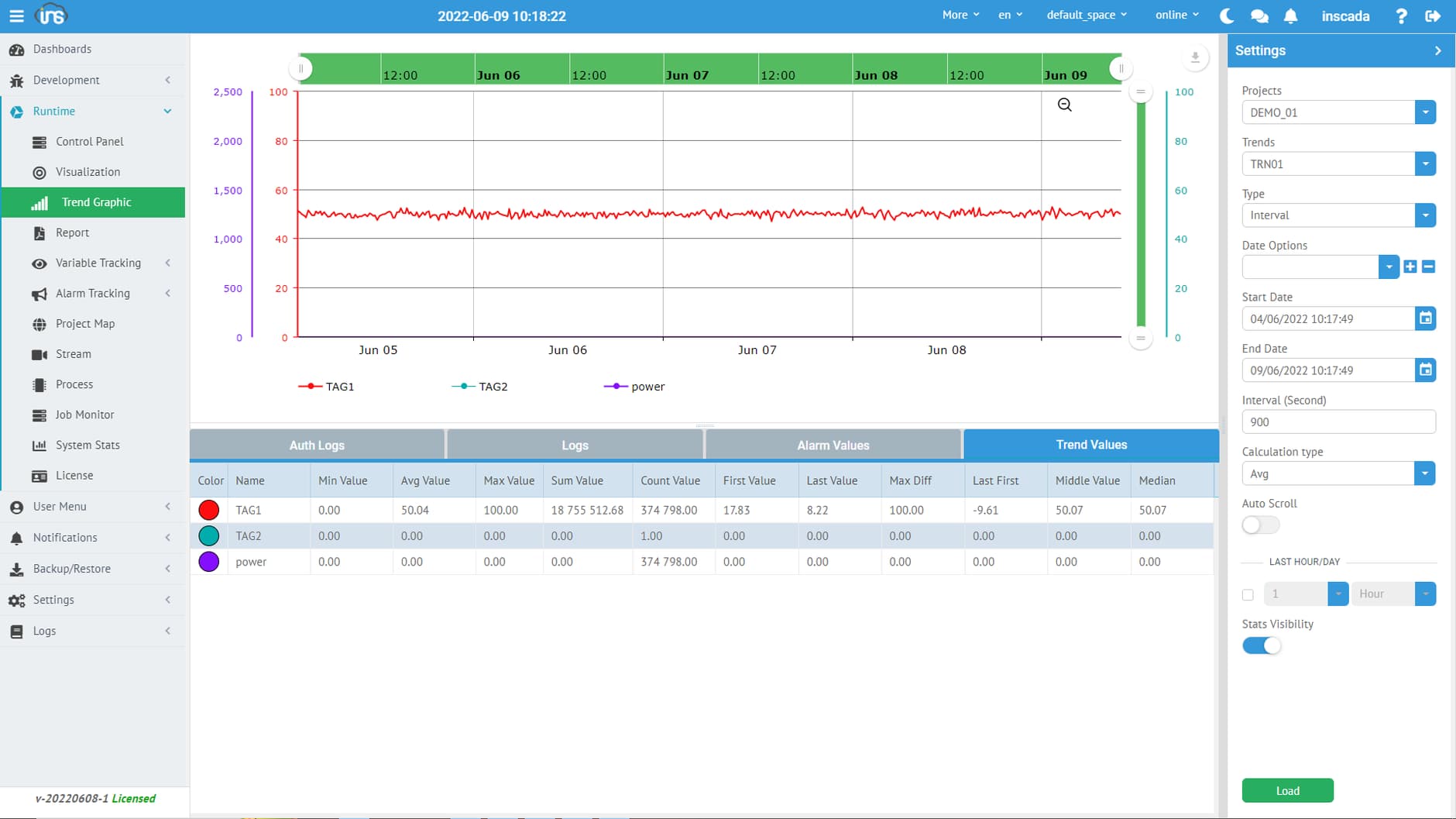
inSCADA is a web-based SCADA software development platform built using the latest technologies. Unlike traditional methods, development activities are not conducted through a desktop IDE, but through tools provided via a web interface. There is no need for compilation or deployment actions. You can carry out all development activities continuously during runtime.
Real-Time Development
Carry out the entire development process at runtime without the need for publishing (deploying) or compiling.
Working on Multiple Projects Simultaneously
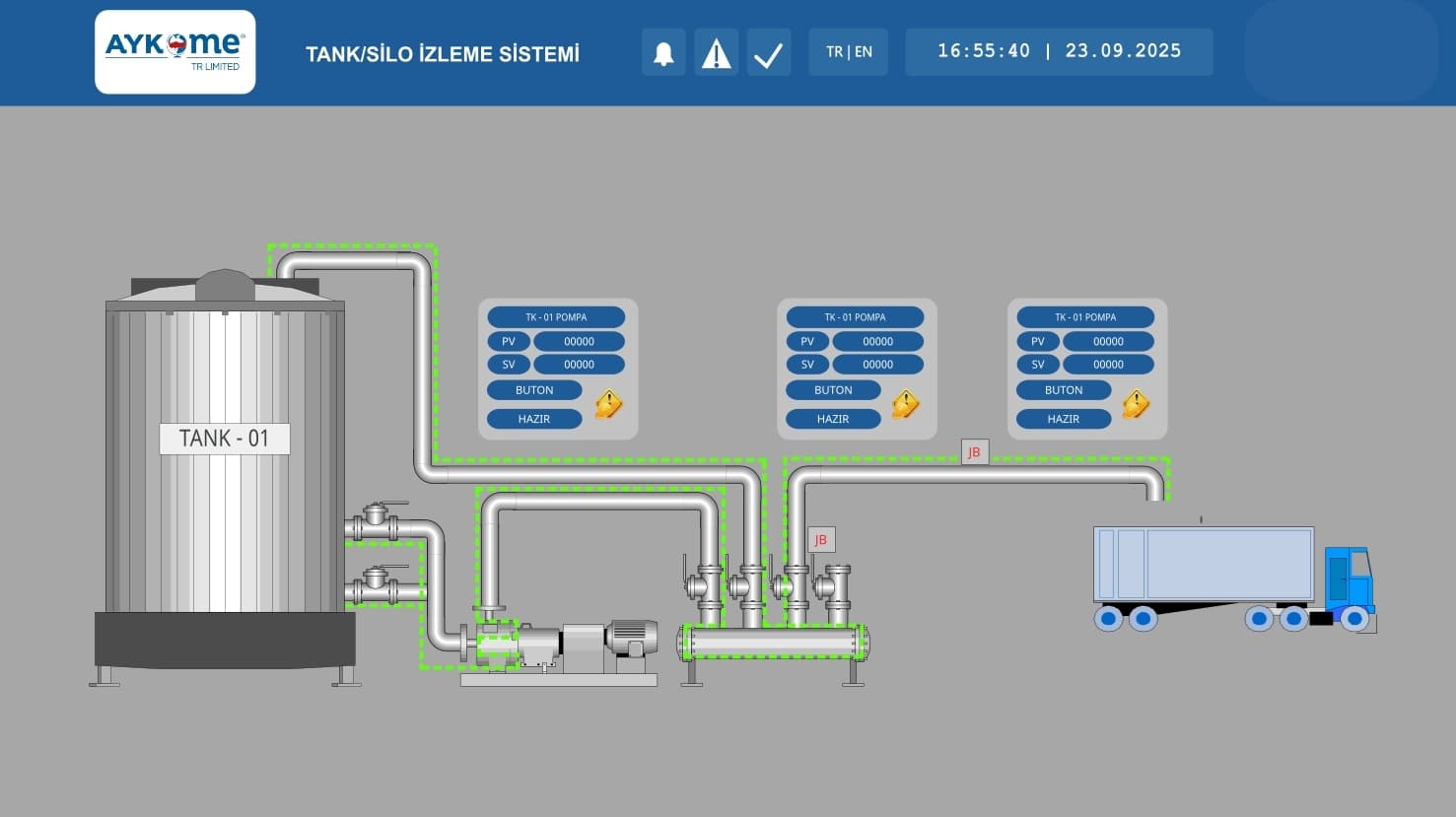
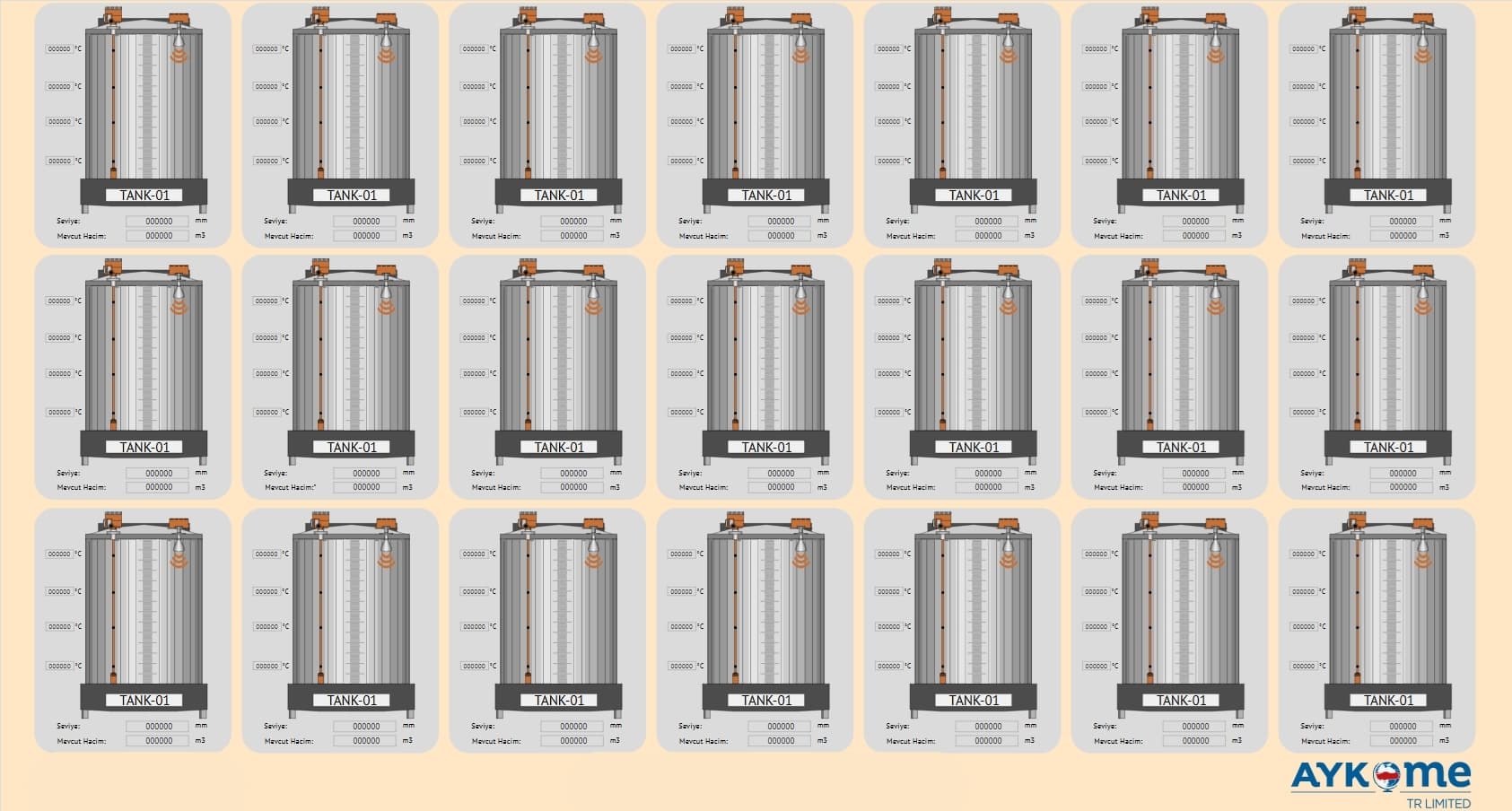
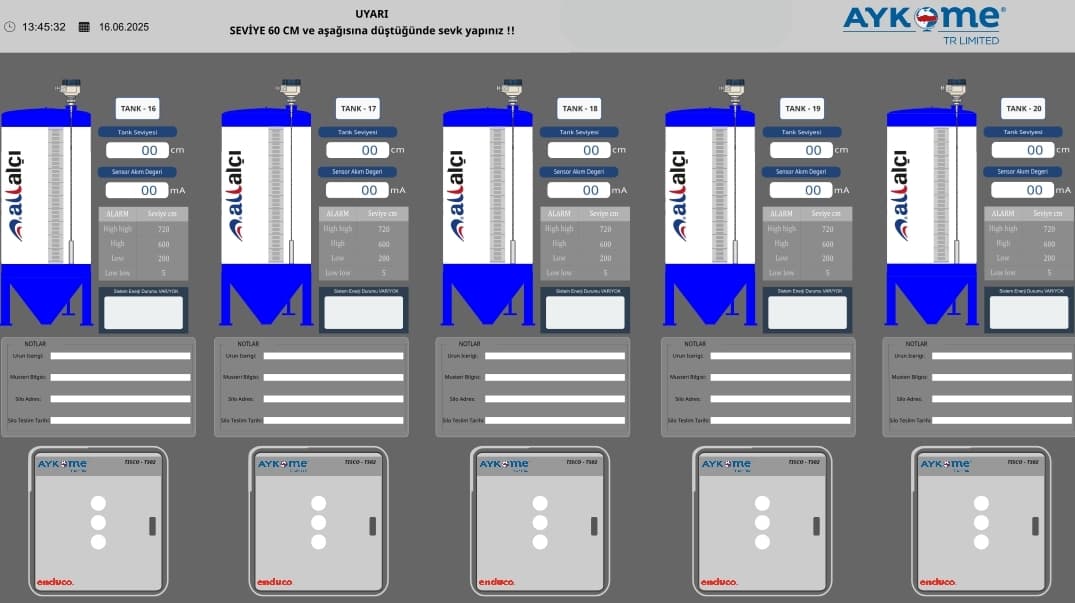
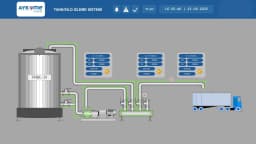
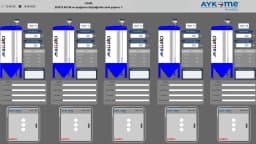
Group your systems and facilities into different projects, allowing you to seamlessly conduct development, monitoring, and reporting activities. This includes specialized applications such as Tank and Silo Monitoring.
Instant Report Generation
Generate all necessary reports quickly with a user-friendly interface that requires no programming knowledge.
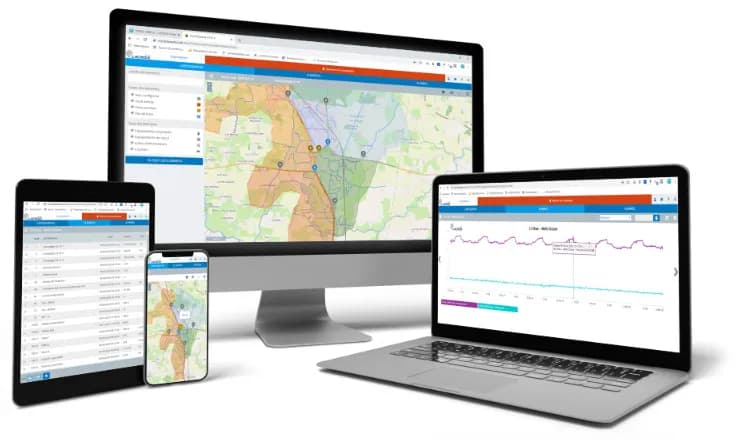
Web Access and Services
All users can remotely access the system, and thanks to its service-based infrastructure, it can be automatically managed and fully integrated with other applications.
Project Map
View and manage all your projects in detail with customizable map support.
Code2Form
Create script/expression forms to control your parameters without the need to edit code each time.
Team Collaboration and Chat
Enhance productivity by allowing your team to work and develop applications on the project simultaneously.
Smart Data Collection
Avoid network traffic and subsequent storage and transmission costs caused by unnecessary data with the smart data recording feature.
Secure Data Transfer via QR Code
Transfer your data securely and quickly without error using QR codes for local transfer.
Device Library
Easily incorporate all your devices into your system with a rich and customizable library support.
Notification Services
Send notifications via SMS, Email, WhatsApp, and Slack using the notification services.
OEM
Manufacturers can quickly develop their own SCADA software and repackage it for their customers.
Multi-Tenant User Space
Create independent workspaces by establishing user spaces on the platform.
IP Camera
Add IP cameras from your facility to the inSCADA platform and view them. Embed IP camera feeds into your mimic screens.
Vector Visualization
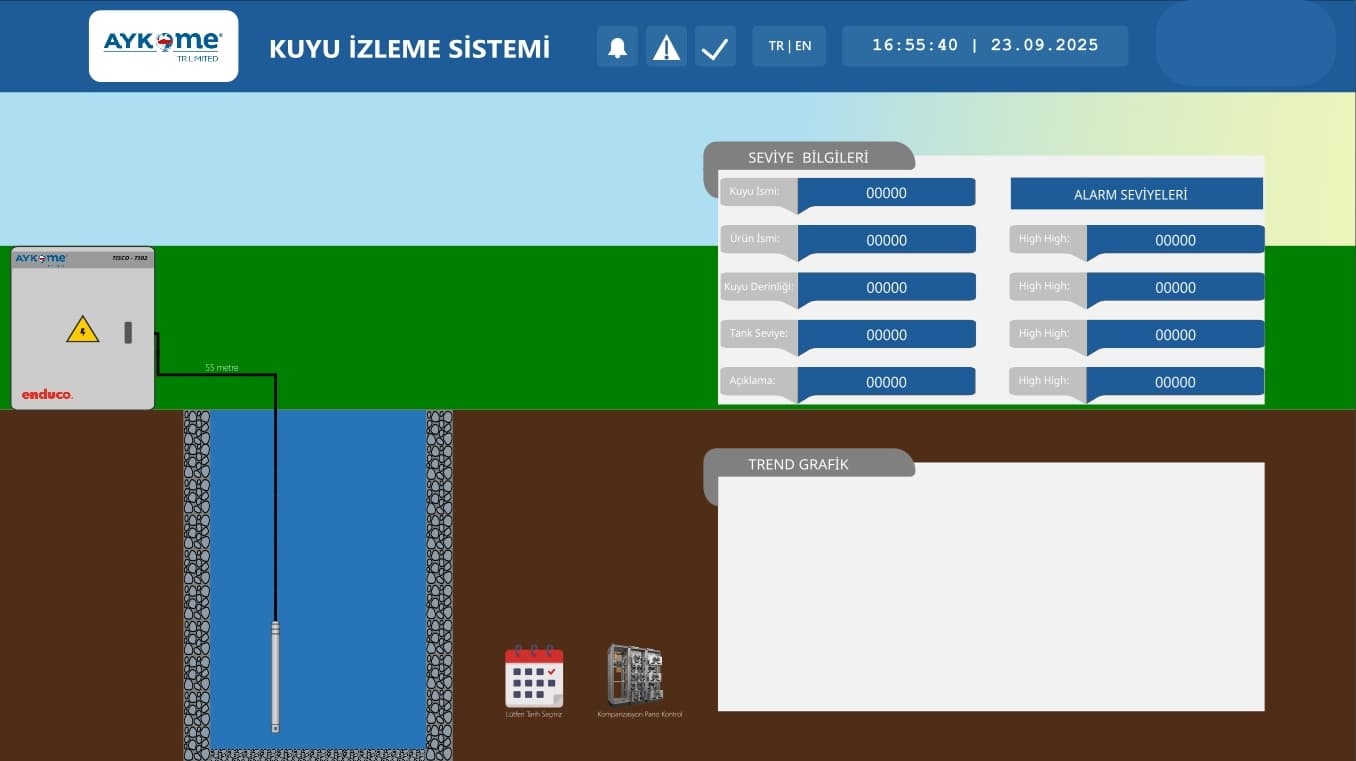
Prepare your application mimic screens in SVG format with any design tool and use them instantly.
Communication Protocols
inSCADA includes many commonly used communication protocols. Additionally, communication protocols required by our customers can be added to the platform upon request.
Security
inSCADA secures user logins with OTP (One-Time Password). It supports HTTPS, TLS/SSL certifications.
Faceplate
Design parametrized faceplates for repeated use on your mimic screens within the inSCADA Platform.
Similar Products